
After you create a server, you'll receive an email with the server sudo & database password.
- choose to set these values at the start of the server installation
- add an "add to 1password" attachment to easy import the server credentials


With email server password disabled, will it be displayed only once after creation, or will it remain accessible for a longer period of time?

1password offers different type of credentials, like database, server etc.
It would be great if Ploi's save to 1Password button, would use the right type of data. Currently it uses just the generic one.
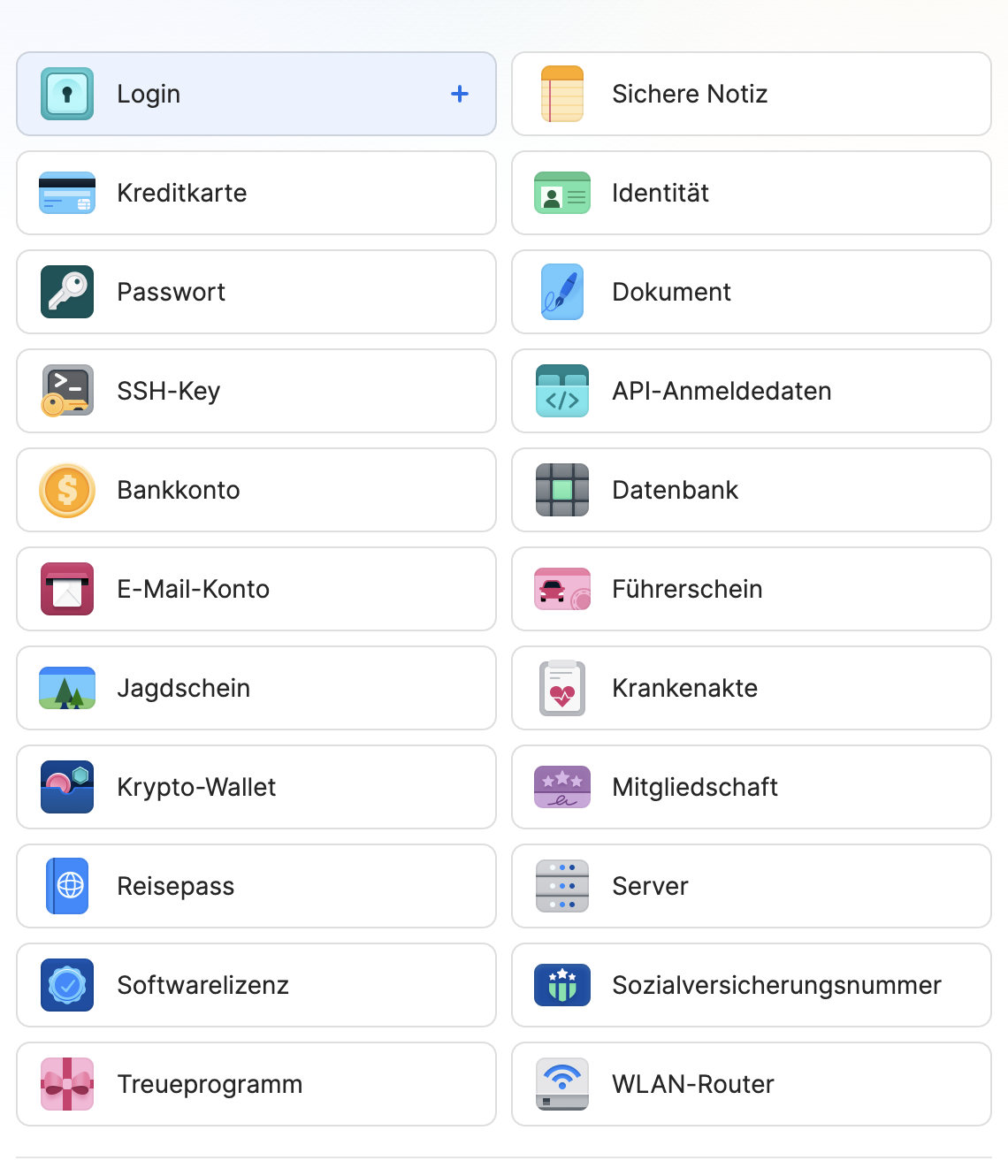

Yes, you would say so indeed. Sadly, the package we're using from 1Password doesn't allow 'types':
https://developer.1password.com/docs/web/add-1password-button-website/
Save server credentials in 1Password


-
Dennis moved item to board Live
2 years ago -
Dennis moved item to board In progress
2 years ago -
Dennis moved item to board Planned
4 years ago -
Robin Dirksen moved item to project Panel Requests
4 years ago -
Robin Dirksen created the item
4 years ago